
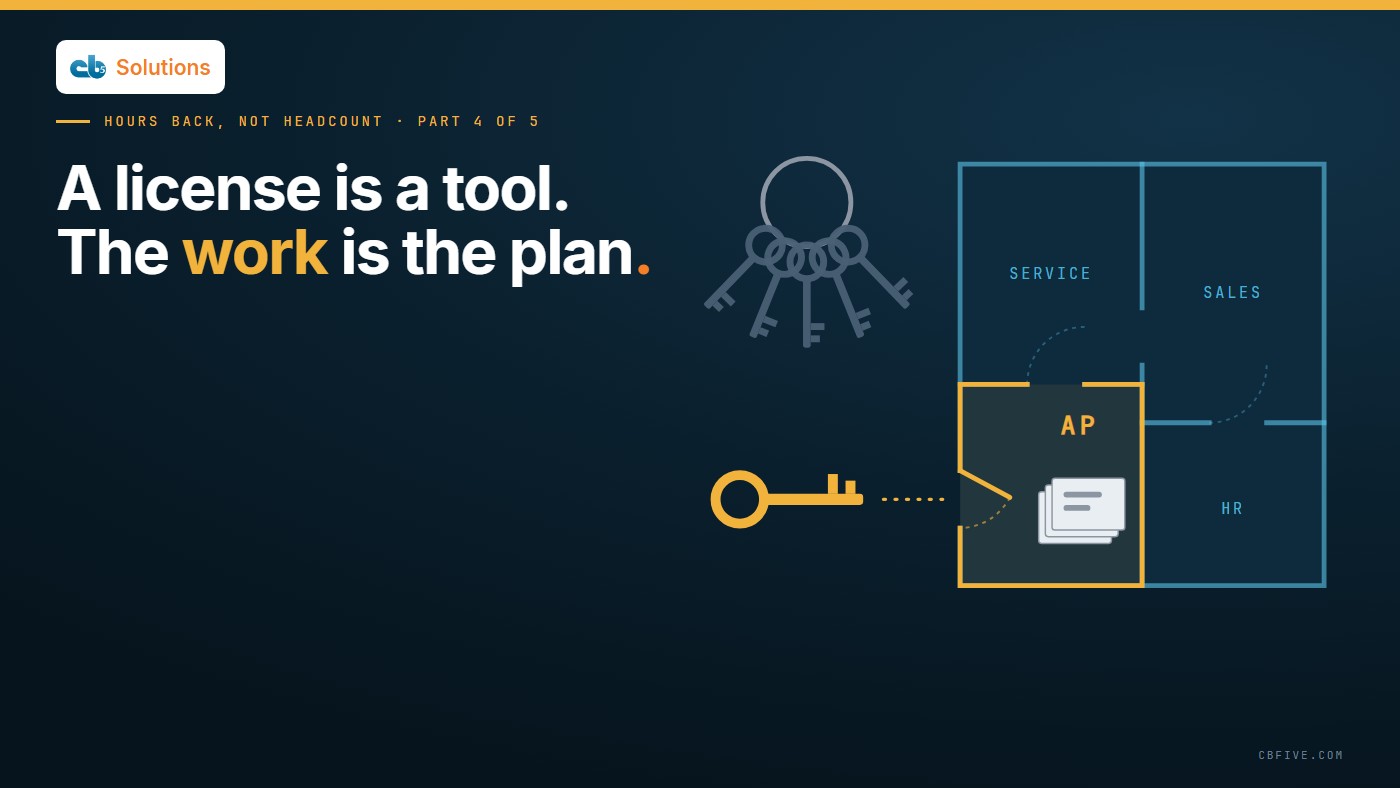
The accounts payable team, the one everyone agrees is stretched, is still keying invoices from PDFs the same way it did a year ago. Their week hasn’t changed.
Now the renewal comes up for review, and the CFO asks a fair question: what did these licenses return?
The room goes quiet in a particular way. Some people use the tool every day and wouldn’t give it up. Some opened it twice. The usage report shows a number of active users, and nobody can say what that number is worth.
That’s not a failed purchase. It’s a purchase that was never given a job.
In the first post in this series, we said AI stalls when it starts with the tool and nobody on the business side owns the outcome. Licenses are the clearest case of it. They arrive all at once, they’re assigned per person, and they come with no instructions about which work, in which team, they should take on. So usage stays flat, and the renewal conversation becomes a debate about feelings.
What the license does well
It’s worth being fair here, because the tool isn’t the problem.
Microsoft 365 Copilot is good at drafting, summarizing and finding information inside the apps people already use. A first version of an email or a proposal. A catch-up on a long thread or a meeting someone missed. An answer pulled from a document they know exists but can’t find. For a lot of people, that’s real help, and they’ll tell you so.
Copilot is a writing and finding assistant for one person at a time, and at that job it earns its place.
The trouble starts when that’s the only plan. Personal help depends on each person remembering to use it, on the right task, in the right way. Some will. Many won’t, not because they’re resistant, but because nobody showed them where it fits in their own week.
Where a license alone falls short

Look at where the hours actually go in most teams and a lot of it isn’t writing. It’s process.
Invoices read from PDFs and keyed into the finance system. Intake forms copied into a tracker. Service requests sorted and routed every morning. The same data typed from one system into another. These tasks run the same way every day, for many people, and they don’t wait for someone to open a chat window and ask for help.
Much of a team’s repetitive work is a process, not a personal writing task, so a license on its own rarely reaches it.
That’s not a criticism of the license. It’s a question of fit. A tool that helps one person write faster won’t read a whole team’s invoices for it. Something built for that work, on the same platform, can.
Know the layers
This is where it helps to stop thinking of “Copilot” as one thing. The help each person gets inside their apps is one layer. On the same platform there are others: a knowledge agent that answers a team’s repeated questions, document processing that reads invoices and hands a person the result to check, routing that sorts requests as they arrive. We’ve walked through what each Copilot layer does on real work, and where the paid tiers start. One cost note belongs in the case before anything is built: an agent or flow that runs on its own is usually metered separately in Copilot Credits, according to Microsoft’s Copilot Studio billing guidance.
The layer also changes the number. In our value method, each pattern carries its own capture default, and general assist carries the lowest, 20%, because help spread thinly across everyone’s day is real but hard to pin to a task. The larger wins usually come from a pattern aimed at one process.
Map the work before you map the licenses
So the first job isn’t adoption. It’s a map.
Pick the teams that hold the licenses, or the ones that should. For each one, write down the work that eats the week: what the task is, how many people do it, and roughly how many hours a week. Then decide, task by task, which layer fits. Some tasks are a good fit for personal assist, and the right move is to show people exactly how to use it there. Some need a knowledge agent. Some are document processing. Some aren’t a good fit for AI at all, and that’s useful to know too.
That map does two things. It turns “everyone has Copilot” into named scenarios, so a manager can point to exactly where the team uses it. And it shows where the license isn’t the right tool, so the bigger opportunities on the same platform stop hiding behind a usage report.
A license is a tool per person; the map is what tells it which work to take on.
Make adoption someone’s job
License programs that stall tend to share the same gap. IT rolled it out, as it should. Nobody on the business side owned what happened next.
Give it an owner: a named person in the business, not a committee, who answers for whether the team’s week changed. Give each team its own scenarios, written in its own language: the AP clerk’s three uses aren’t the sales coordinator’s three uses. Then train on those scenarios, not on the product in general. People adopt the thing that saves them time on a task they recognize.
IT’s part stays clear and it matters. IT decides who gets licenses, what data the tools can reach, how use is logged, and what has to be true before anything new built on the platform touches production. One check belongs on the list before any wider rollout: Copilot surfaces only what a person can already open, so fix overshared files before you deploy. The business owns which work changes; IT owns the access, data and audit that keep it safe.
Measure the change, not the logins
Usage is the number every license report leads with, and on its own it isn’t value. We’ve set out what to report to the board instead. For a license, it comes down to a baseline on the named tasks before the scenarios go live, the same measure after a full month of use, and team averages reported above or below target. Freed hours are still capacity, not cash, until a budget line moves; our Copilot ROI series shows how to build a number that survives the CFO’s office.
Five questions to ask before the renewal
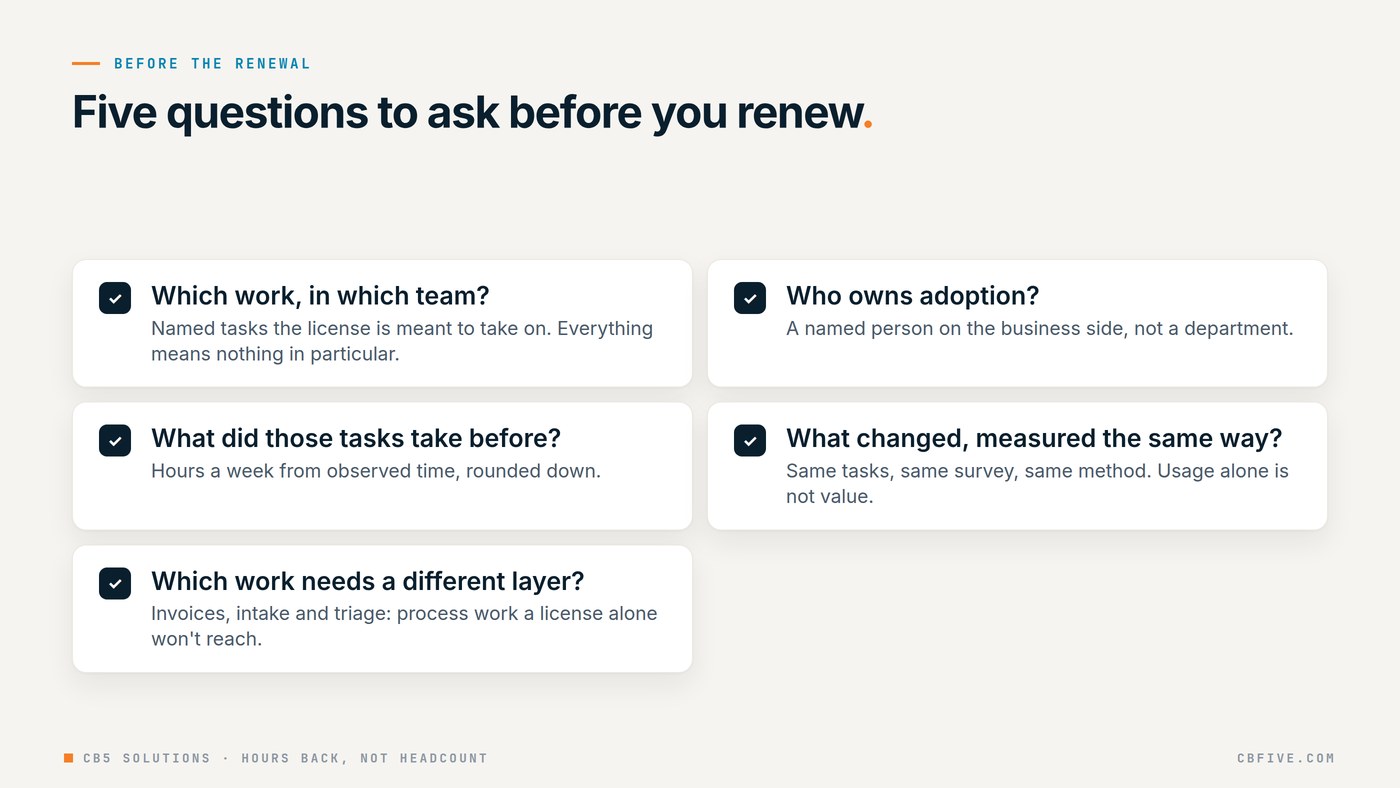
If the renewal is coming up, these are the questions worth asking first:
- Which work, in which team, is the license meant to take on? If the answer is “everything,” it’s taking on nothing in particular.
- Who on the business side owns adoption? A name, not a department.
- What did those tasks take before? Hours a week, from observed time, rounded down.
- What changed, measured the same way? Same tasks, same survey, same method.
- Which work needs a different layer? The invoices, the intake, the triage: the process work a license alone won’t reach.
None of these needs a new purchase to answer. They need someone to sit with the teams and write down how the work actually runs.
Run one task twice
Here’s a simple way to see the difference the layer makes. Take one task from one team and run it through our Hours Back Calculator twice: once at the 20% general assist default, and once at the default for the pattern that actually fits the work.
In the worked example from our value method brief, a made-up accounts payable team of 10 people spending 6 hours a week each on invoices costs $129,600 a year at a $45.00 loaded rate. At the 20% assist default that’s $25,920 of capacity value; at the 60% document intelligence default it’s $77,760. Both are worked-example figures, not a benchmark. Same team, same platform, a different layer. And that’s capacity, hours the team can put toward other work, not cash and not roles. If you want to check the formulas, the value method brief sets out every step.
CB5 Solutions helps organizations understand the layers of AI, get the most from what they buy, and build an AI program that pays back inside their IT standards. We start every engagement with one business problem and a governance baseline. Let’s pick yours.
Next in the series: AI governance that keeps up with the business, or how a few decisions made early keep AI safe without slowing it down.