
I wanted to close this series with spending limits, because just about every organization deploying AI writes one. It’s usually one of the first things built, since the fear of an unbounded model bill is the easiest fear in the room to explain. It goes in early, it gets a line in the architecture document, and then everyone stops thinking about it, because it’s there and because it has never gone off.
That last part is the problem. From the outside, a limit that has never fired and a limit that can’t fire look exactly the same: you don’t hear anything from either one.
Diamond Elite has usage limits at several layers. A free tier allows five AI analyses, two scouting reports, ten chat messages and thirty minutes of live session time. Paid tiers scale those up. Behind all of it sits a platform-level ceiling on AI calls, meant as the backstop against a runaway loop or an abusive account. I wrote all of it carefully, and two of those controls still didn’t work. This post is about why, because the specific reasons apply to nearly every AI deployment we see.
The Ceiling That Wrapped the Wrong Function
The platform spending ceiling was implemented as a wrapper around the SDK’s message-creation call. Every AI request goes through that function, the wrapper increments a counter, the counter is checked against the ceiling, and requests past it are refused. It was straightforward, correct, and thoroughly reviewed.
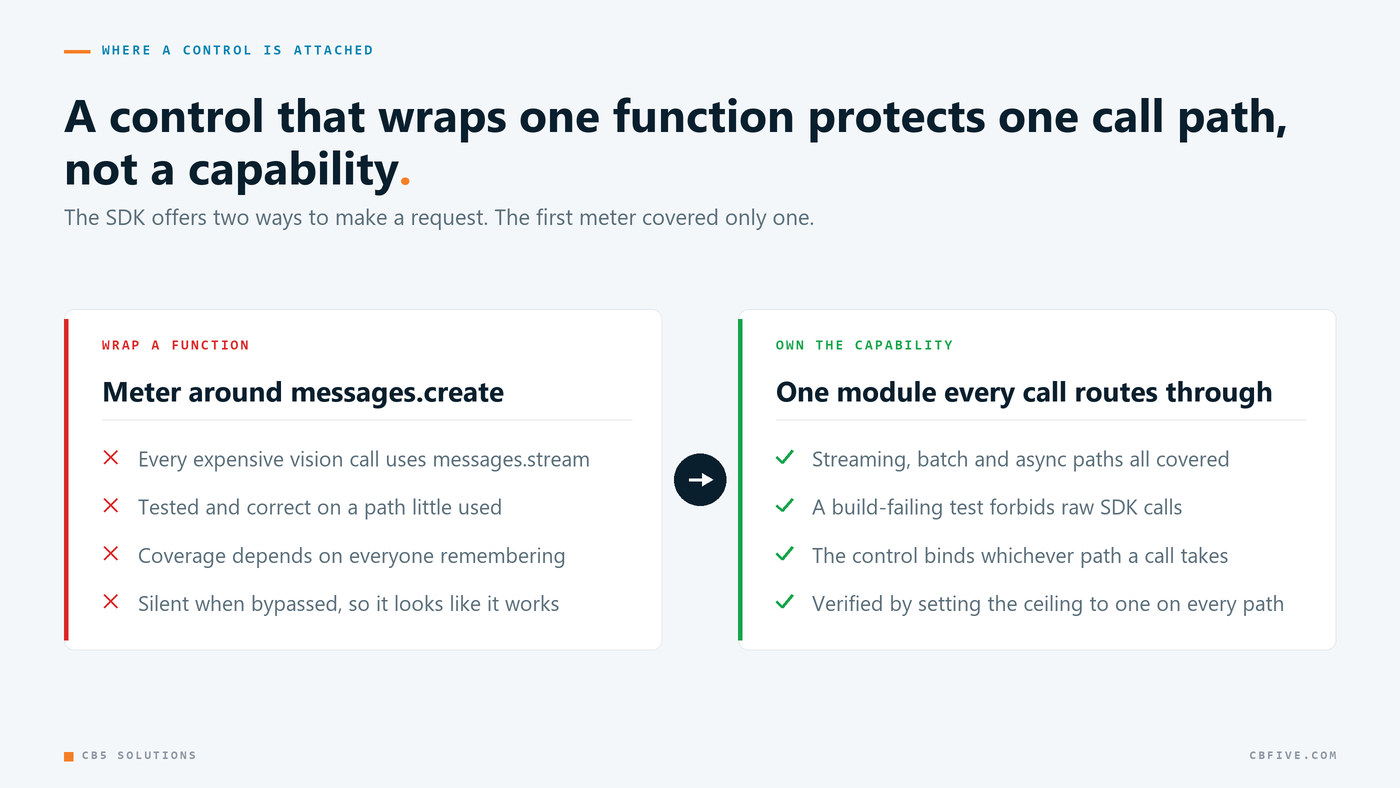
The catch is that the Anthropic SDK, like most model SDKs, gives you two ways to make a request. There’s messages.create, which returns a completed response, and there’s messages.stream, which returns tokens as they’re generated. They’re different functions on the same client.
As I described earlier in this series, every vision call in the product streams, because a ninety-second wait behind a spinner feels broken and a ninety-second wait with text arriving feels like progress. That user-experience decision, made months earlier for completely unrelated reasons, meant every single expensive call in the system went through the function the meter didn’t wrap.
The ceiling was real and it was tested. It worked exactly as designed, on the code path that nothing important used.
The general lesson I took from this: a control that wraps a specific function protects a specific call path, not a capability. If your SDK offers more than one way to do the thing you’re limiting, like streaming versus buffered, batch versus single, or sync versus async, your control has to cover all of them, or you have to make the uncovered paths impossible to call. Personally, I don’t think the reliable version is a wrapper at all. It’s a single internal module that every call has to route through, plus an automated test that fails the build if the raw SDK is called anywhere else.
We now do exactly that with model identifiers. All model IDs live in one module, and a test fails the build if a raw model-ID string literal shows up anywhere else in the codebase. That test isn’t about keeping things tidy. It’s what makes a centralized module actually central, instead of a convention people follow until they’re in a hurry.
The Counter That Never Reset
The second failure is simpler, and honestly a bit more embarrassing.
The configuration value was named for a billing cycle: a ceiling of sixty AI calls per cycle. The counter behind it was never reset when a cycle rolled over.
So the setting didn’t mean sixty calls per month. It meant sixty calls total, ever, for the lifetime of the deployment. Every configuration screen, every comment, and every conversation about it said “per cycle,” and the behavior was nothing like that.
Nobody caught it because nothing had reached sixty calls yet. The bug was just sitting there, and it was guaranteed to show up at the worst possible moment. Not during a quiet week, but the first time real usage arrived, whether that’s a growth spike, a demo, or a launch, when the system would have hard-stopped AI for everyone and looked like a total outage.
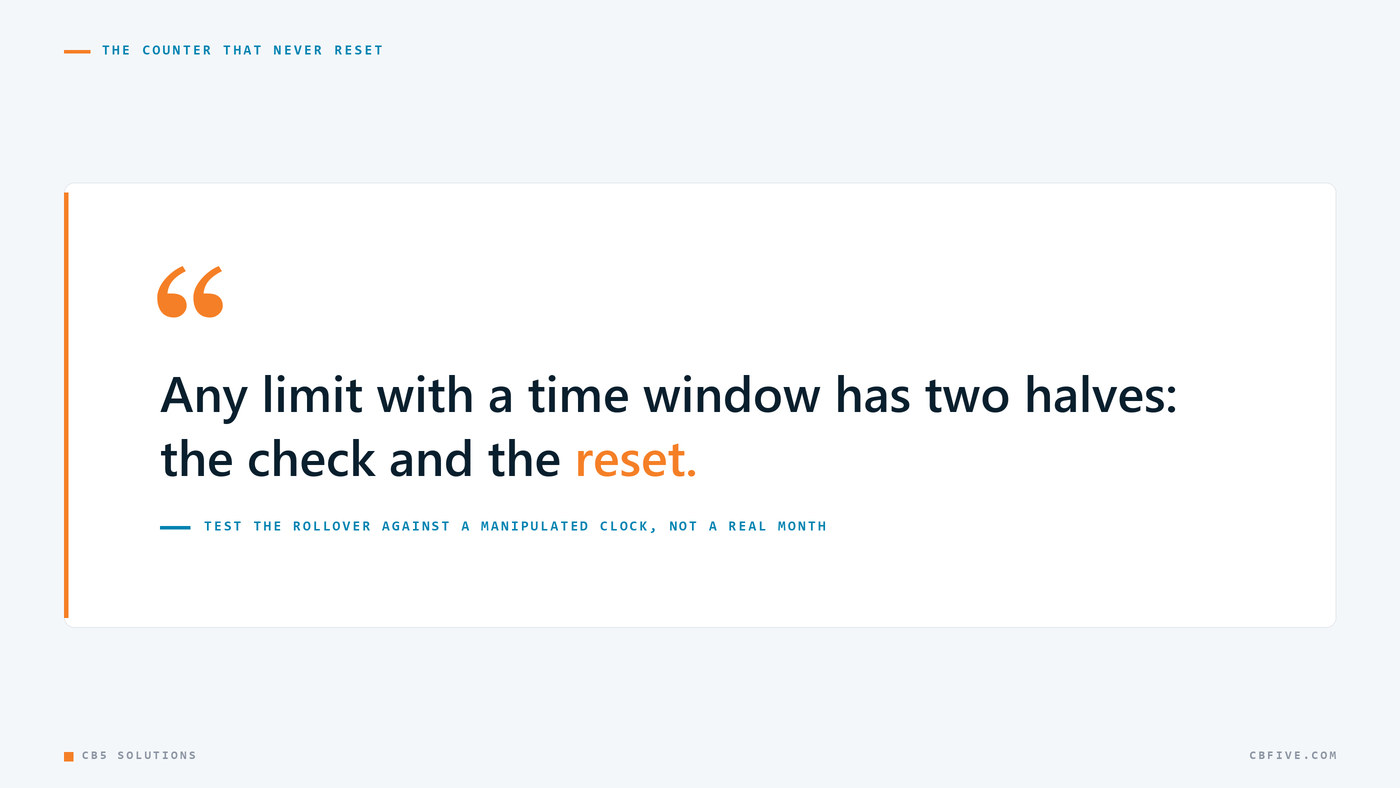
Any limit with a time window has two halves: the check and the reset. The check is the interesting half, so it gets the attention and the tests. The reset is boring and invisible, and it’s the half that actually makes the window mean anything. Test the rollover explicitly by manipulating the clock. You don’t want to wait for a real month to pass to find out whether your monthly limit is monthly.
Metering the Wrong Action
The third issue wasn’t a broken control so much as a misplaced one, and it hurt users instead of us.
The analysis pipeline has two stages: a cheap detection pass that finds the swing in the video, and the expensive analysis pass that evaluates it. Both were charging the user’s analysis allowance.
Detection runs automatically when the page loads. It can run a dozen times in a session as a user works through a cage video. That means a free-tier user with five analyses could use up their entire allowance without ever deliberately asking for a single analysis, just by browsing.
That’s not a metering bug in the technical sense, since every increment was correct. It’s a product failure: the unit you meter must be the unit the user believes they are buying. A user buys “analyses” meaning “times I asked the AI to evaluate my kid’s swing.” If your counter also decrements on automatic background work they didn’t ask for and didn’t see, your pricing page is inaccurate no matter how correct your code is. Detection no longer counts against the allowance.
A related product rule came out of the same review: automatic actions should never spend a user’s quota. When detection finds exactly one swing, analysis now runs automatically, because that’s unambiguous and it saves a confusing extra click. When it finds several, it doesn’t, because firing seven analyses unprompted would use up a free tier in a single page load. I don’t want the product spending someone’s allowance without asking them first.
The Cheapest Optimization Is Usually the Model
There’s one more cost lesson, and it took the least engineering for the biggest saving.
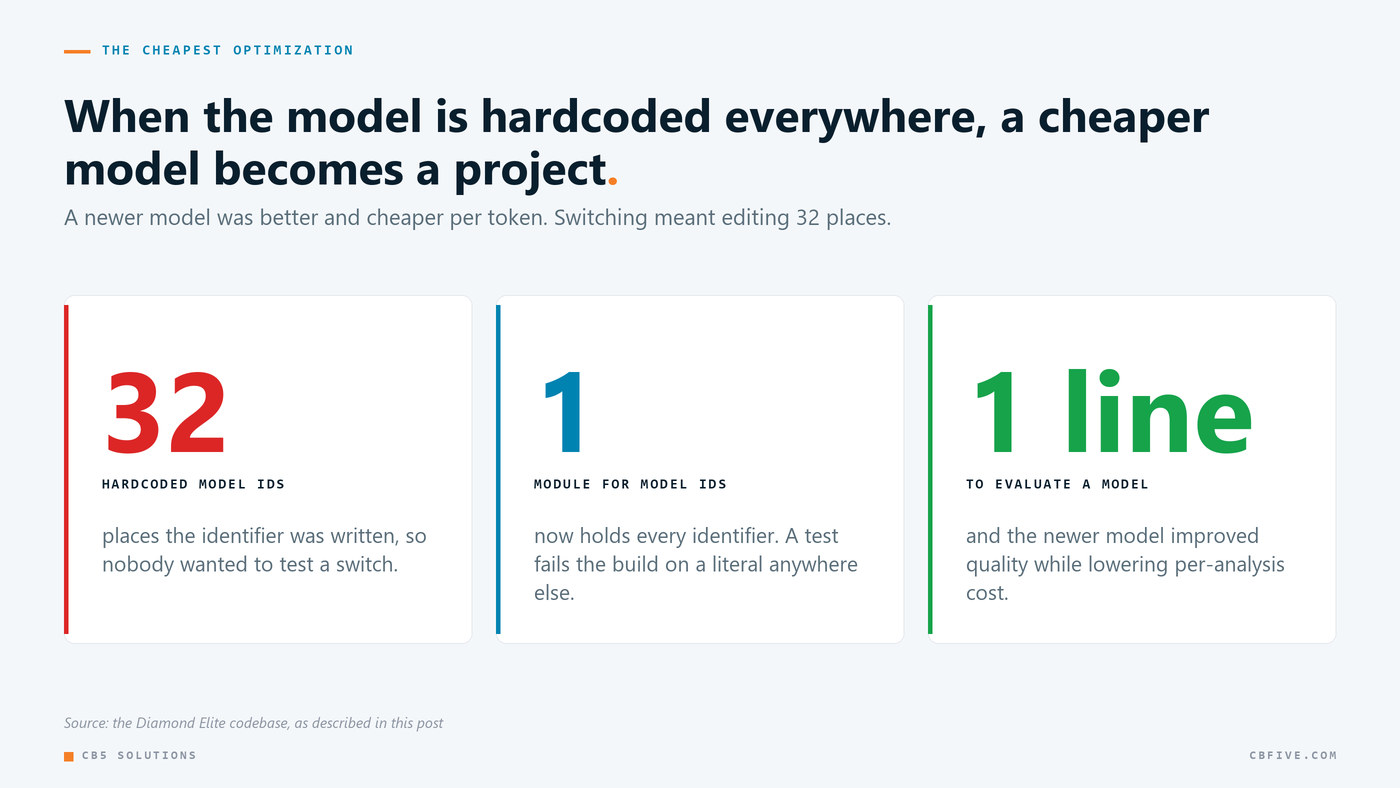
I was running a previous-generation model across more than thirty call sites. A newer model was available that was both better at the task and noticeably cheaper per token. Moving to it was a mechanical change, and it lowered per-analysis cost while improving output quality.
The reason it hadn’t already happened is that the model identifier was hardcoded in thirty-two places. Nobody wanted to touch thirty-two files to test a hypothesis, so the hypothesis went untested longer than it should have. Now that it’s consolidated into one module, evaluating a new model is a one-line change.
Frontier model pricing moves fast, and it moves down. If switching models in your application is a multi-file change, you can’t really take advantage of that, and you’ll overpay by default. My recommendation is to make the model a configuration value before you need to change it.
A Note on Identity Keys
I want to mention one design principle from the same hardening review, because it’s the mistake I’d most want to help someone else avoid.
In a family, team or tenant-scoped application, it’s tempting to derive record keys from human names. A player profile keyed by a normalized first and last name is readable, easy to debug, and needs no ID generation. It reads nicely in logs.
It’s also the wrong foundation, for three reasons that all show up eventually. Names aren’t unique, and two families will have children with the same name; in youth sports that’s a matter of when, not if. Names change. And any matching logic looser than exact equality, including the substring and normalization comparisons that always creep in to handle nicknames and middle initials, will eventually match two people who aren’t the same person.
The pattern I’d recommend is an opaque tenant identifier, assigned at creation, that never encodes anything human-meaningful, with the display name stored as an ordinary attribute that can change. Scope every query by that identifier, derive it server-side from the authenticated caller instead of accepting it from the client, and enforce it at the database layer instead of in application code that has to be remembered at each call site.
This is pretty ordinary advice, and it’s very easy to skip early on, when there’s one tenant and the name is obviously unique. It’s expensive to retrofit later. If you’re building anything multi-tenant, I’d spend the ten minutes now.
Getting Started
- Verify each control by triggering it. Set the ceiling to one and confirm the second request is refused, on every code path. Until you’ve watched a control fire, I wouldn’t count on it.
- Inventory your SDK call paths. Streaming, batch, and async variants each need coverage. Then make the uncovered paths uncallable with a build-failing test, not a code-review convention.
- Test every window rollover against a manipulated clock. The reset is half the limit, and it usually gets a fraction of the testing.
- Reconcile your meter against your pricing page. Read what you sell, then read what your counter increments on. If background work decrements a user-visible allowance, fix the meter.
- Make the model a configuration value. One module, one identifier, and a test that forbids literals anywhere else. It turns evaluating a model from a project into a one-line change.
That wraps up this five-part series on building Diamond Elite. To recap, I covered boring architecture and honest verification, two-stage vision pipelines, validation at the persist boundary, the media layer that turned out to be harder than the model, and controls you need to watch fire before you can trust them. None of it is exotic, but in my experience it’s what separates an AI demo from an AI product.
If you’re running an AI workload and you’re not sure your spending controls actually hold, that’s a short engagement and a good place to start. Feel free to contact us.
CB5 Solutions is a Microsoft Solutions Partner specializing in Microsoft Security, Data & AI, Modern Workplace, and Azure Infrastructure.